
Coaching Scheduling Software That Books Itself

Sound familiar?
Without Calday
- Prospect emails asking if you're free Tuesday. Four emails and two days later, you have a meeting.
- New client books a discovery call. Arrives with no context. First 15 minutes spent on background you'd already asked about.
- Session ends. You send an invoice. It sits for a week. You follow up. Awkward.
- You sent a Calendly link. They confirmed. No intake. No payment. Just a calendar event.
- Six-session program. You book each one individually, back and forth, over three weeks.
With Calday
- Share your booking link. Client picks a time. Session confirmed automatically. No emails.
- Intake questions collected at booking. Client arrives knowing what you need from them. Discovery call starts at the real work.
- Retainer required at booking. Session is theirs once it's paid. No invoice, no follow-up.
- Booking, intake, and payment in one flow. Client picks a time, answers your questions, pays — confirmed.
- Recurring session block set once. Client locks in all six at the first booking.
How it works?
How Calday transform your coaching business?
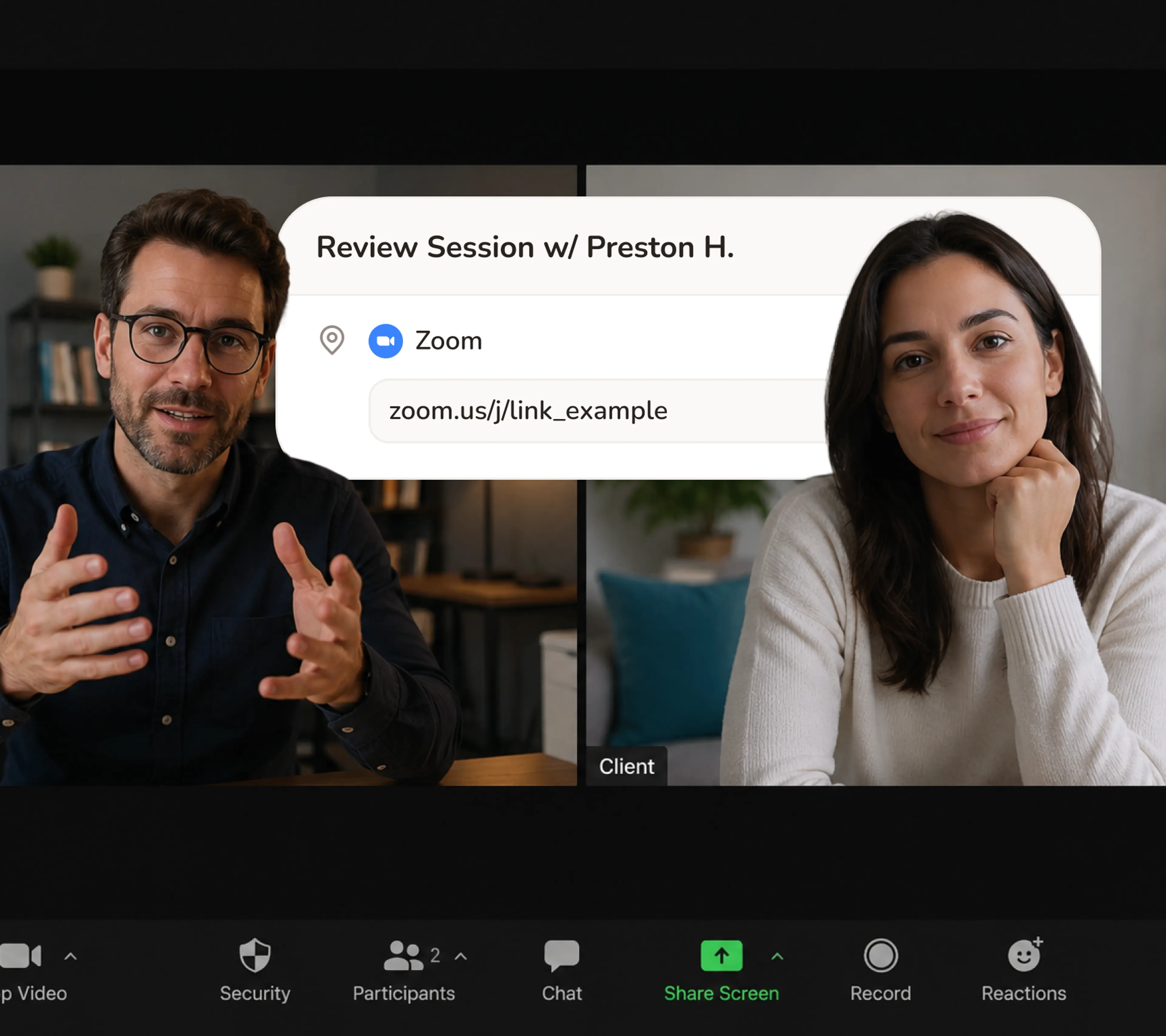
Zoom Link Sent automatically
When a client books a session, Calday generates the Zoom link and includes it in their confirmation. They arrive to the call with the link already in their inbox. You never send it manually.
- Zoom link generated automatically at booking
- Works for discovery calls, 1:1 sessions, and group coaching
- Client and coach both receive the link
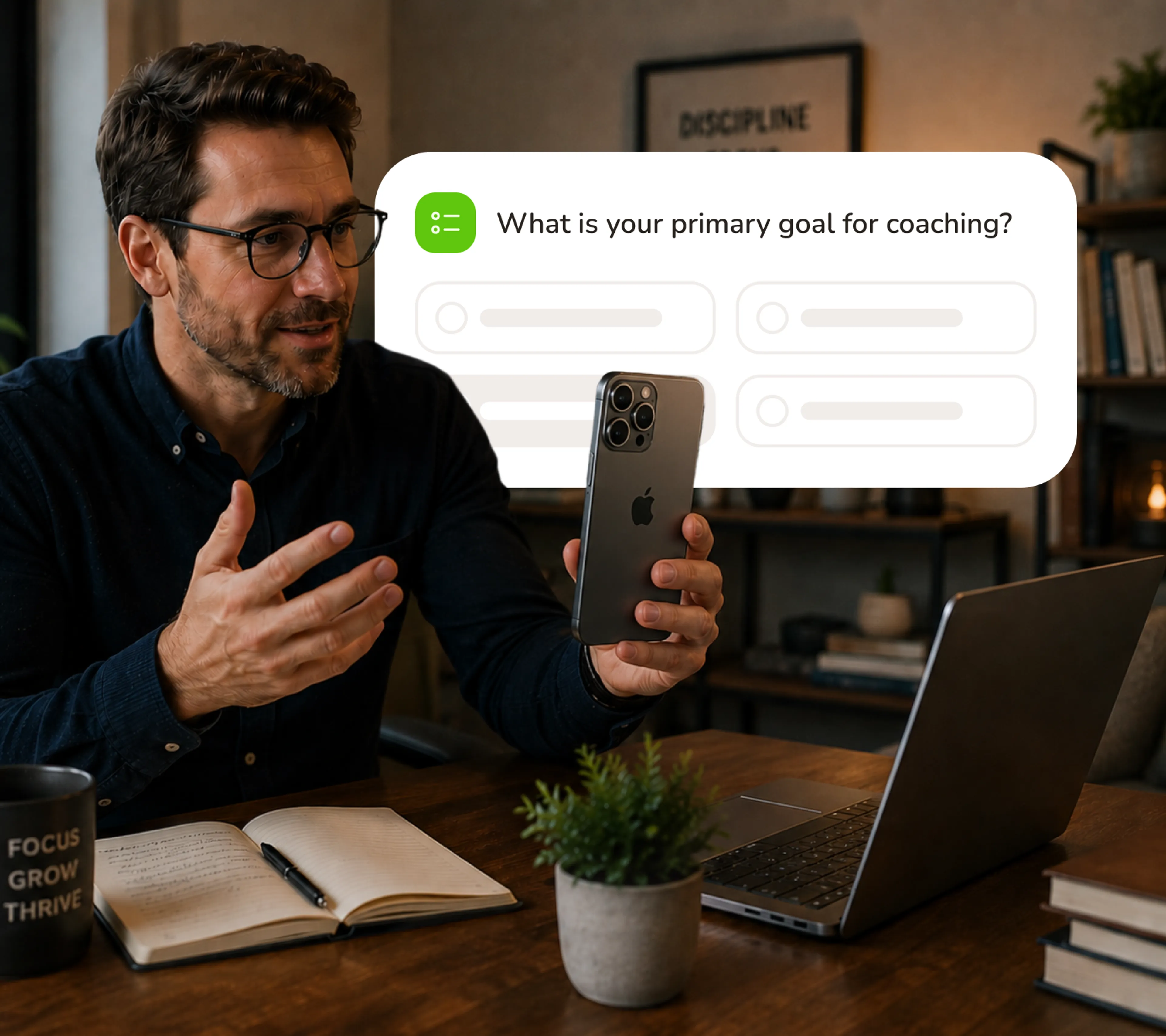
Intake Before They Arrive
Add your pre-session questions to the booking form. Clients answer them when they book - before the session starts. Your discovery call begins at the real work, not the background story.
- Custom intake questions collected at booking
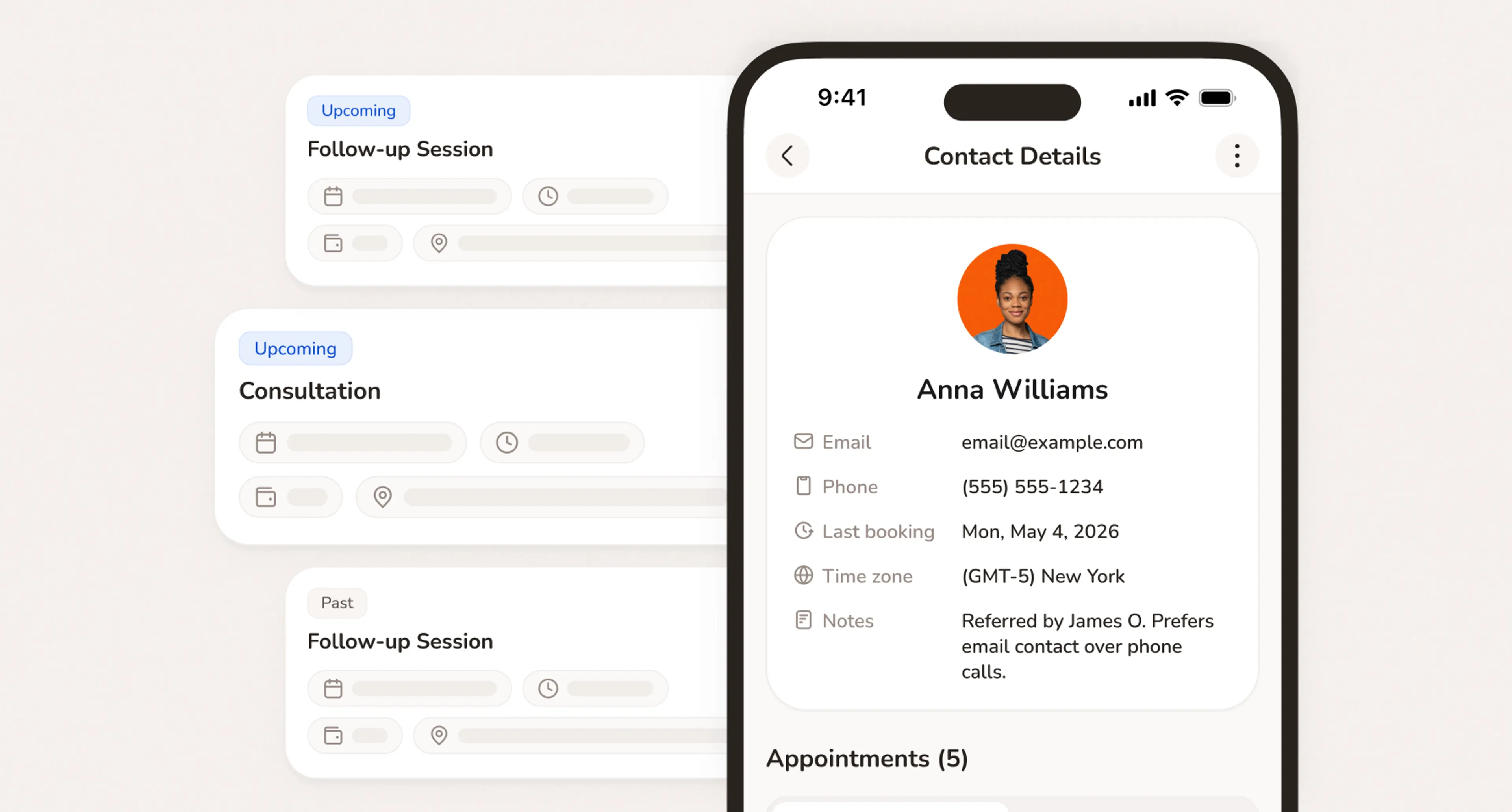
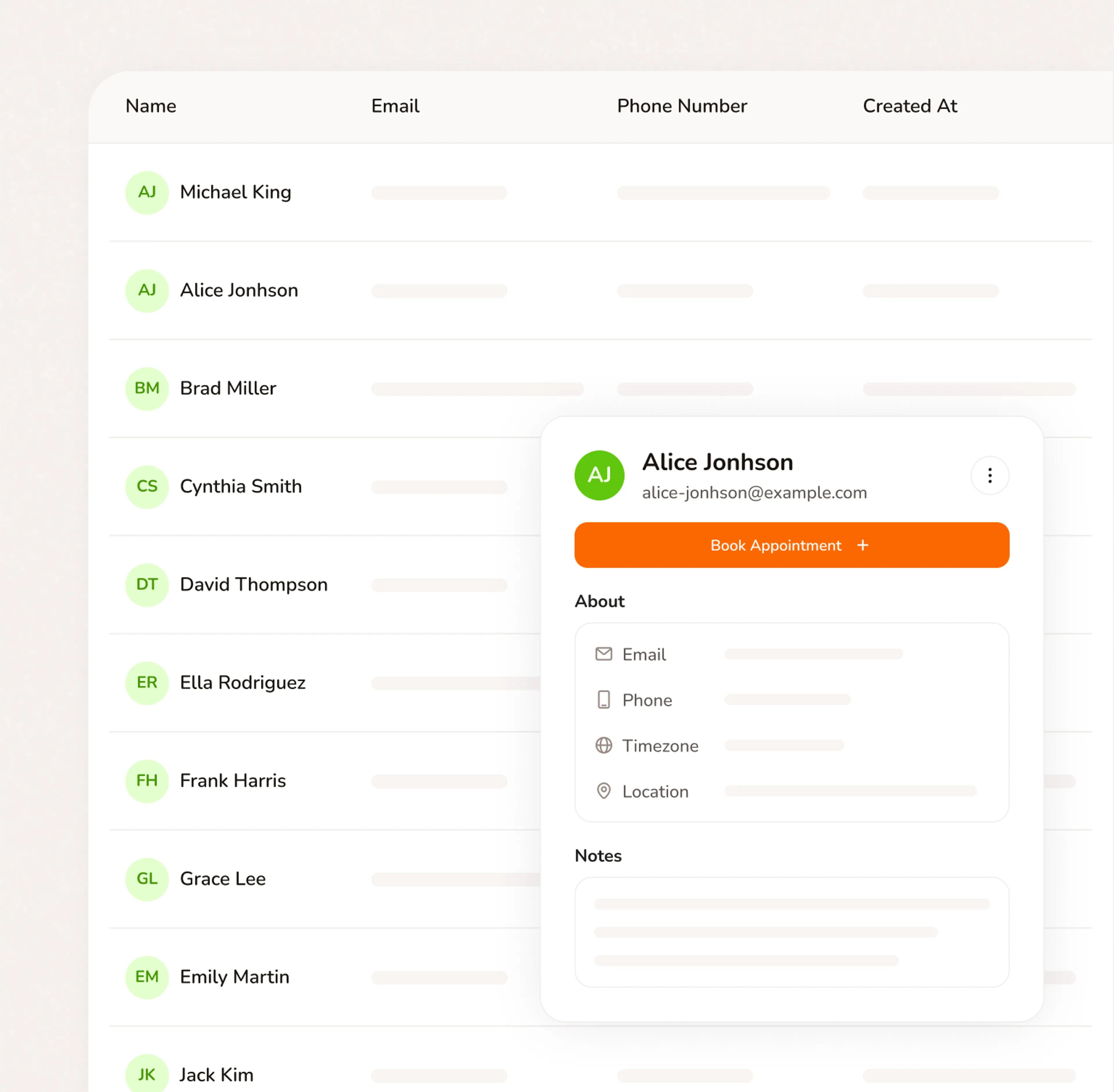
- Answers saved to the client record
- Discovery call quality built in from the first booking
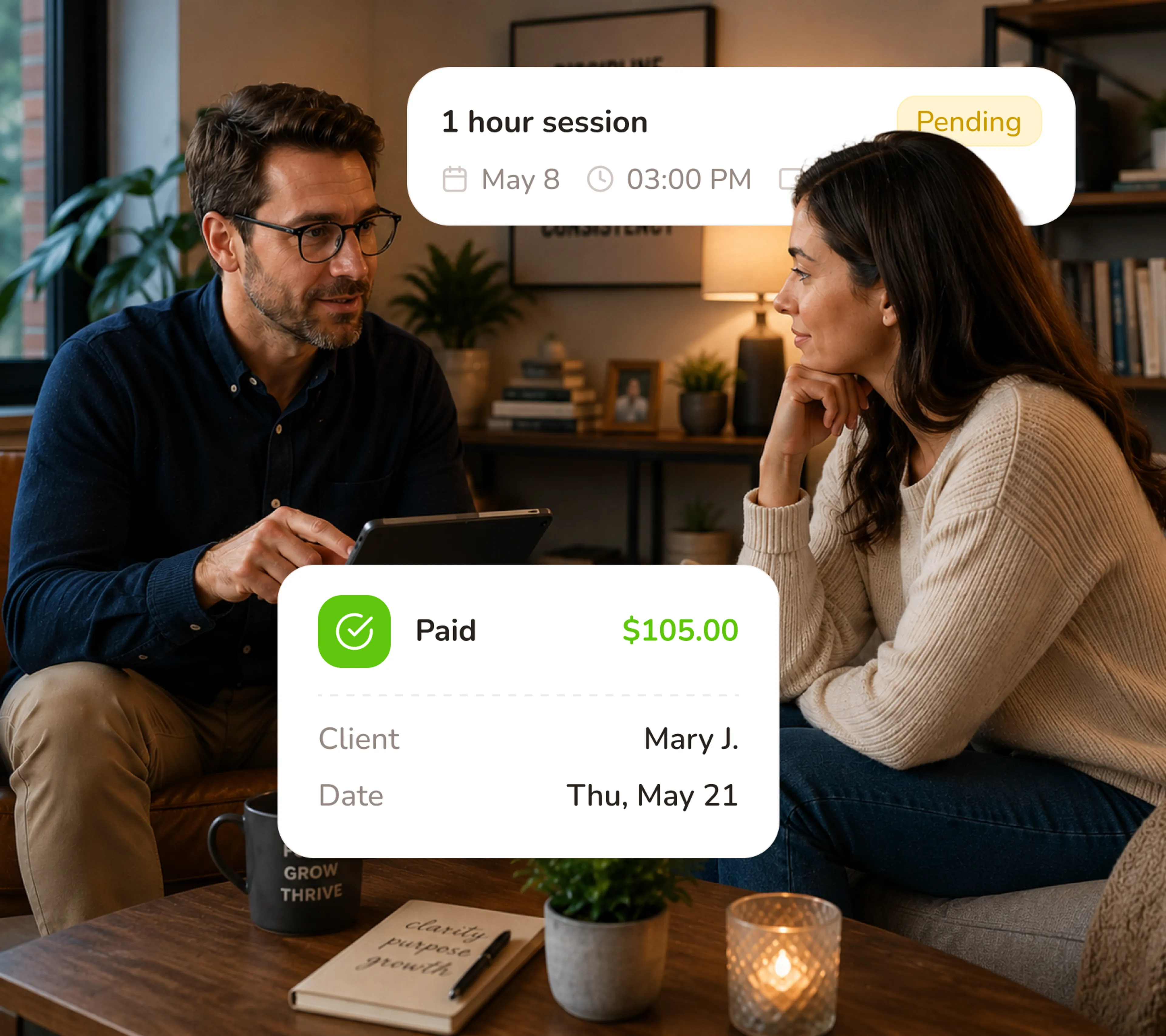
Retainer Collected at Booking
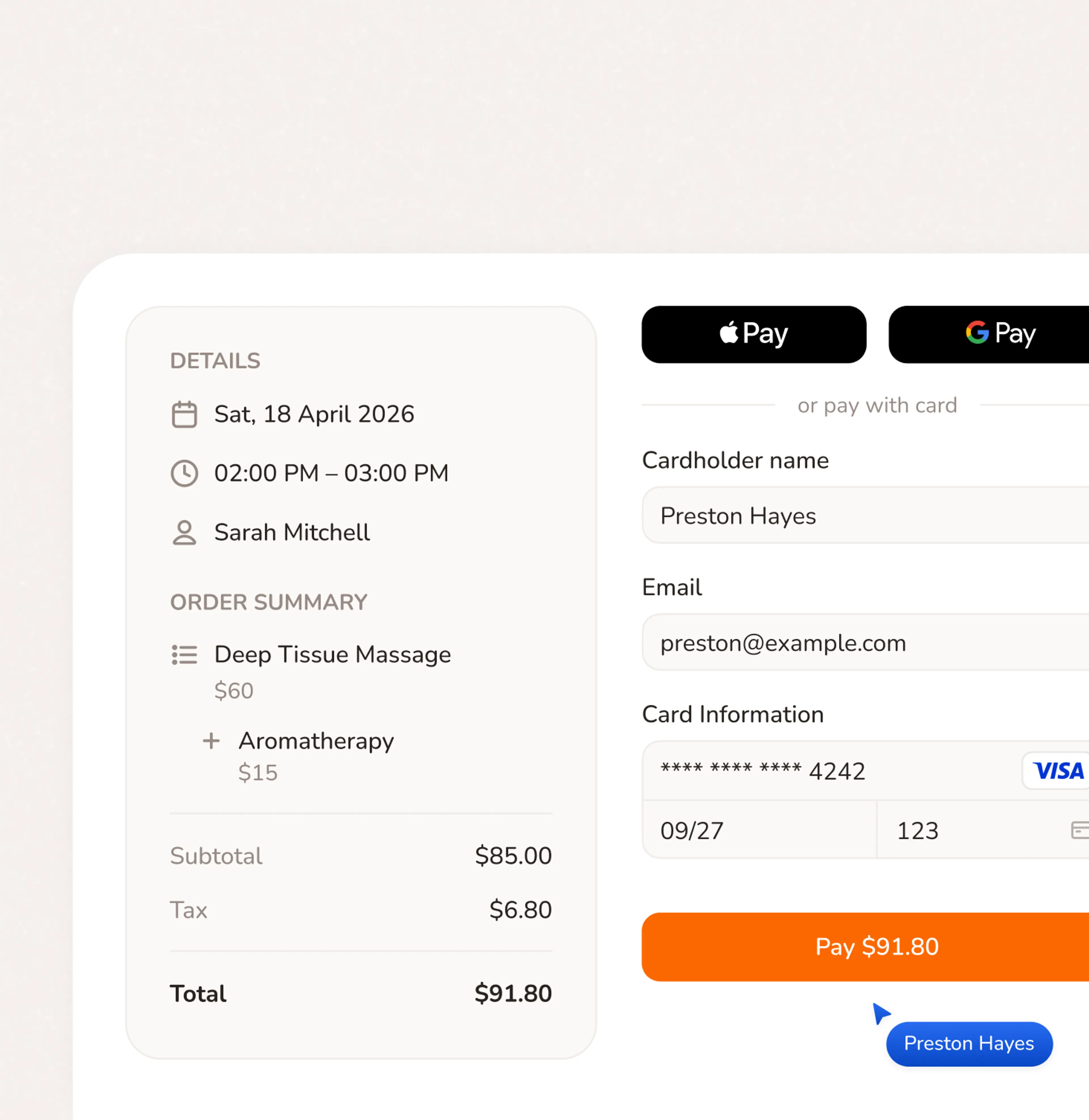
Require a retainer or session fee when clients confirm the booking. Session is theirs once it's paid. No invoice to send. No awkward follow-up. No session that runs without payment.
- Retainer or full session fee collected at booking - card charged online
- Session confirmed only when payment is complete
- Track paid and upcoming sessions from one place
Live in 5 Minutes. First Booking Today.
- No credit card required
- Free forever plan
- Free 7-day trial
Everything your service business needs to run
Stop switching between your calendar, texts, payment apps, and client notes. Calday is the small business management software that handles all of it.
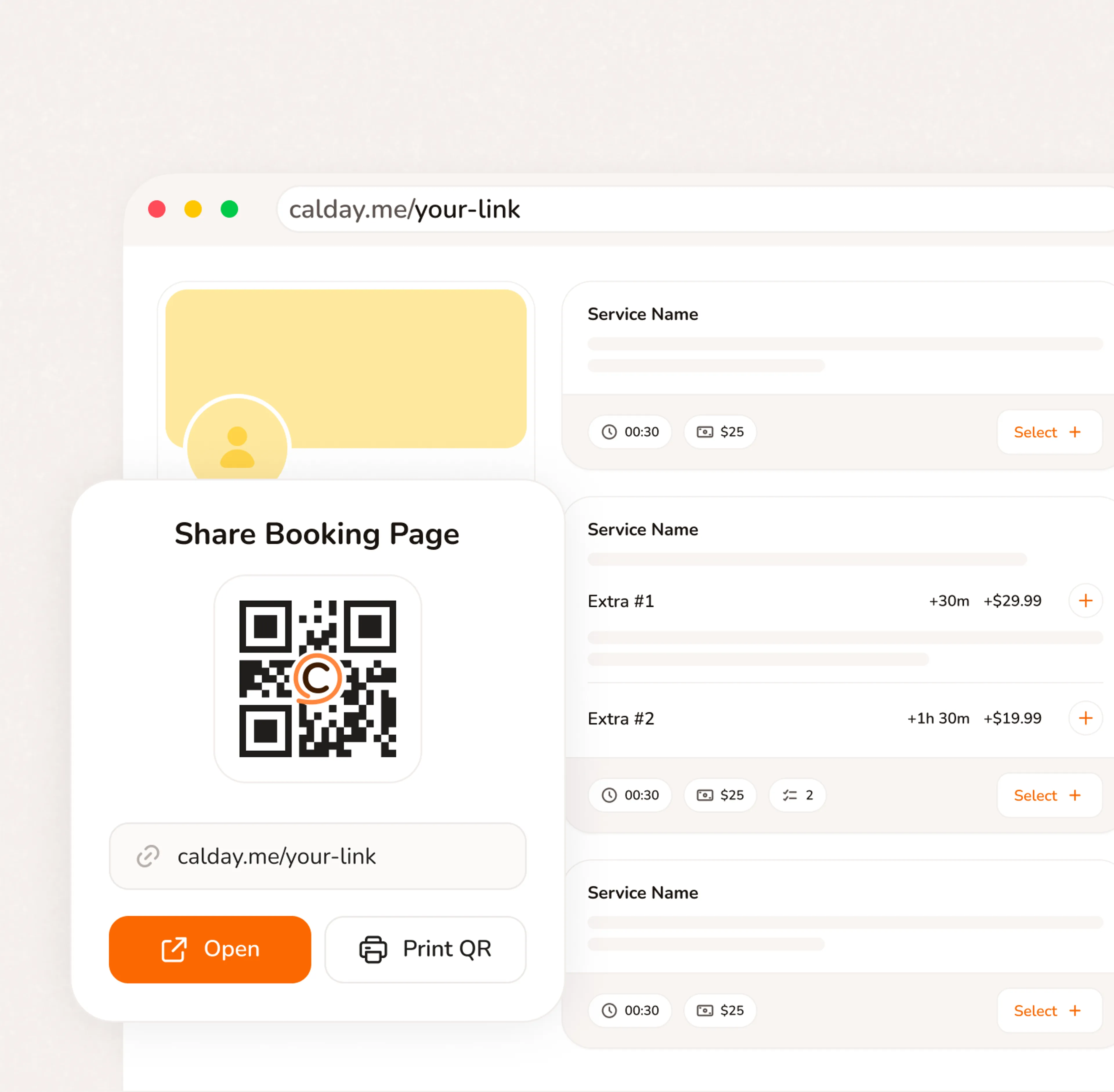
Booking Page
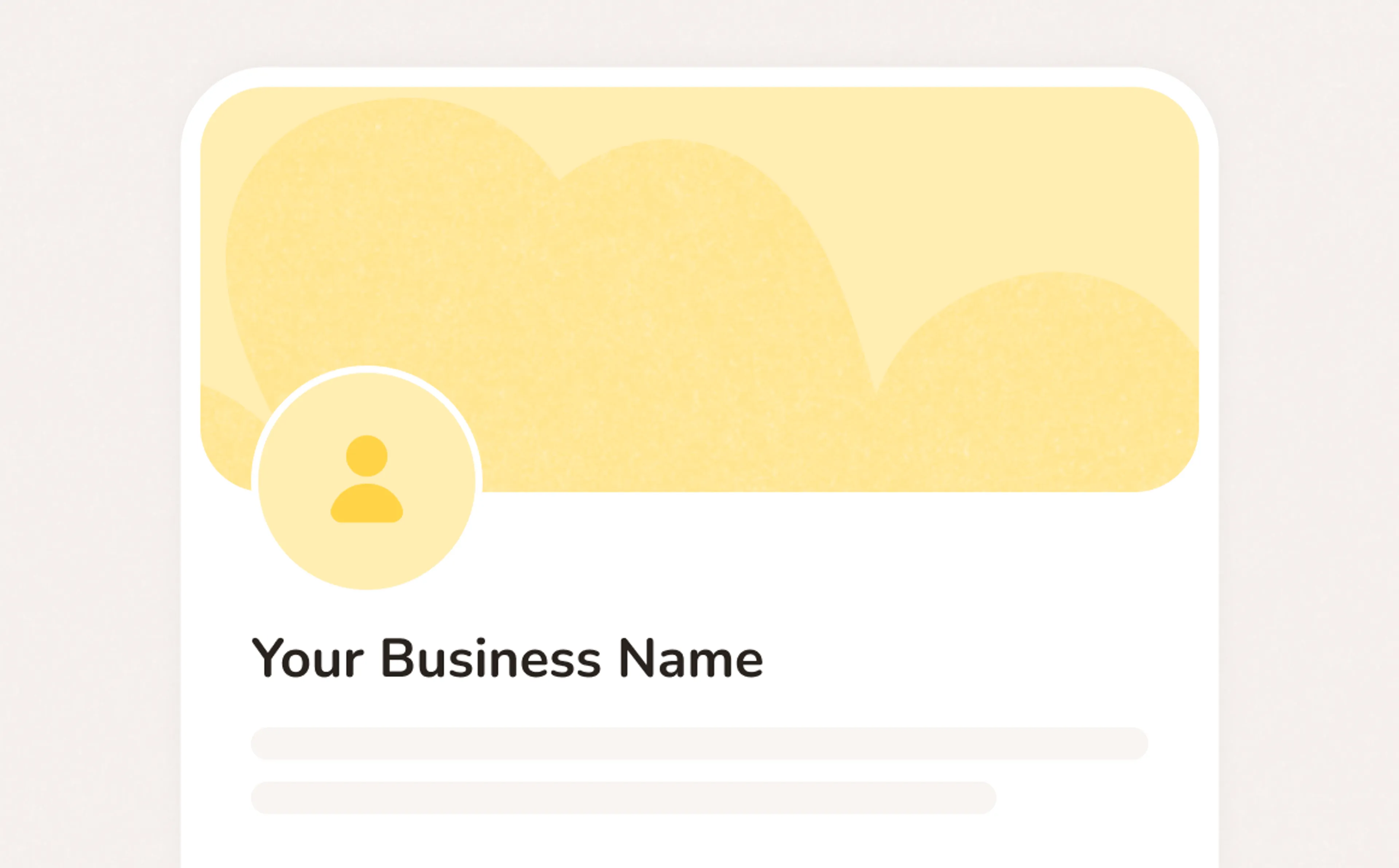
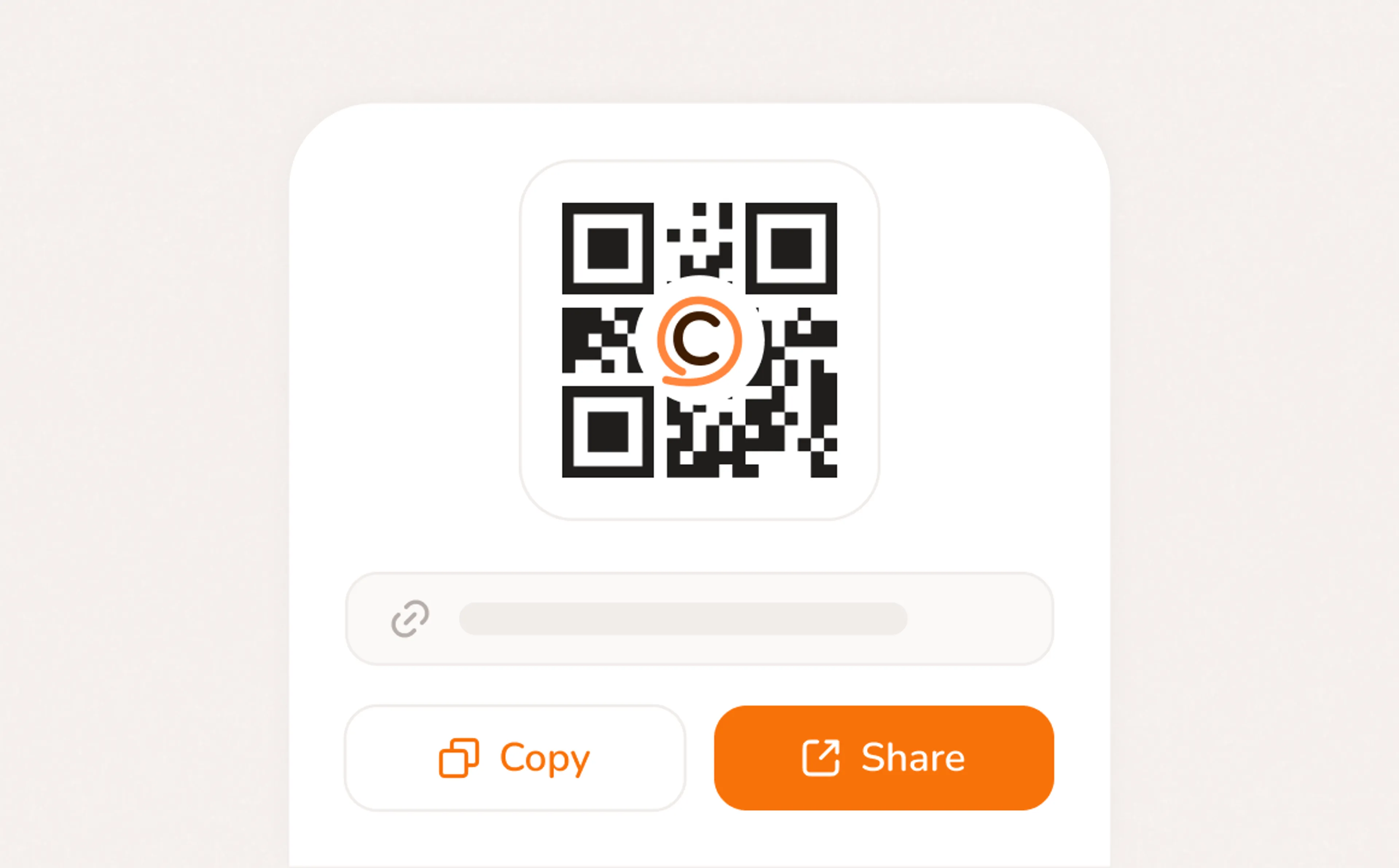
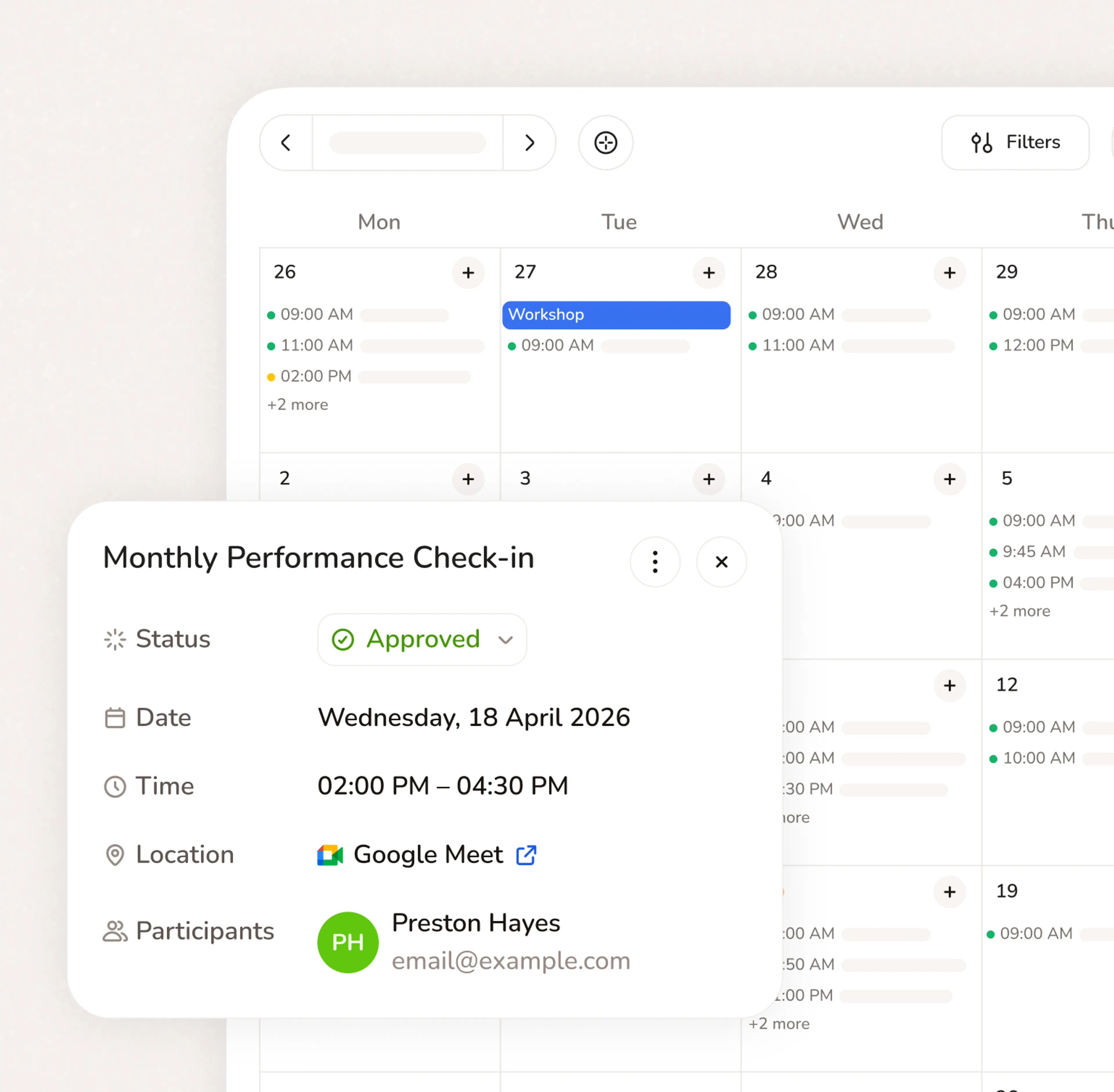
A booking page with your services, your pricing, your brand. Share a link, post a QR code, or embed on your website. Clients pick a time, confirm, and you're booked. No phone call needed.
- Your link, your brand, your services
- Accept bookings 24/7 from any device
- QR code for walk-ins, link for everywhere else
Connect apps to existed workflow
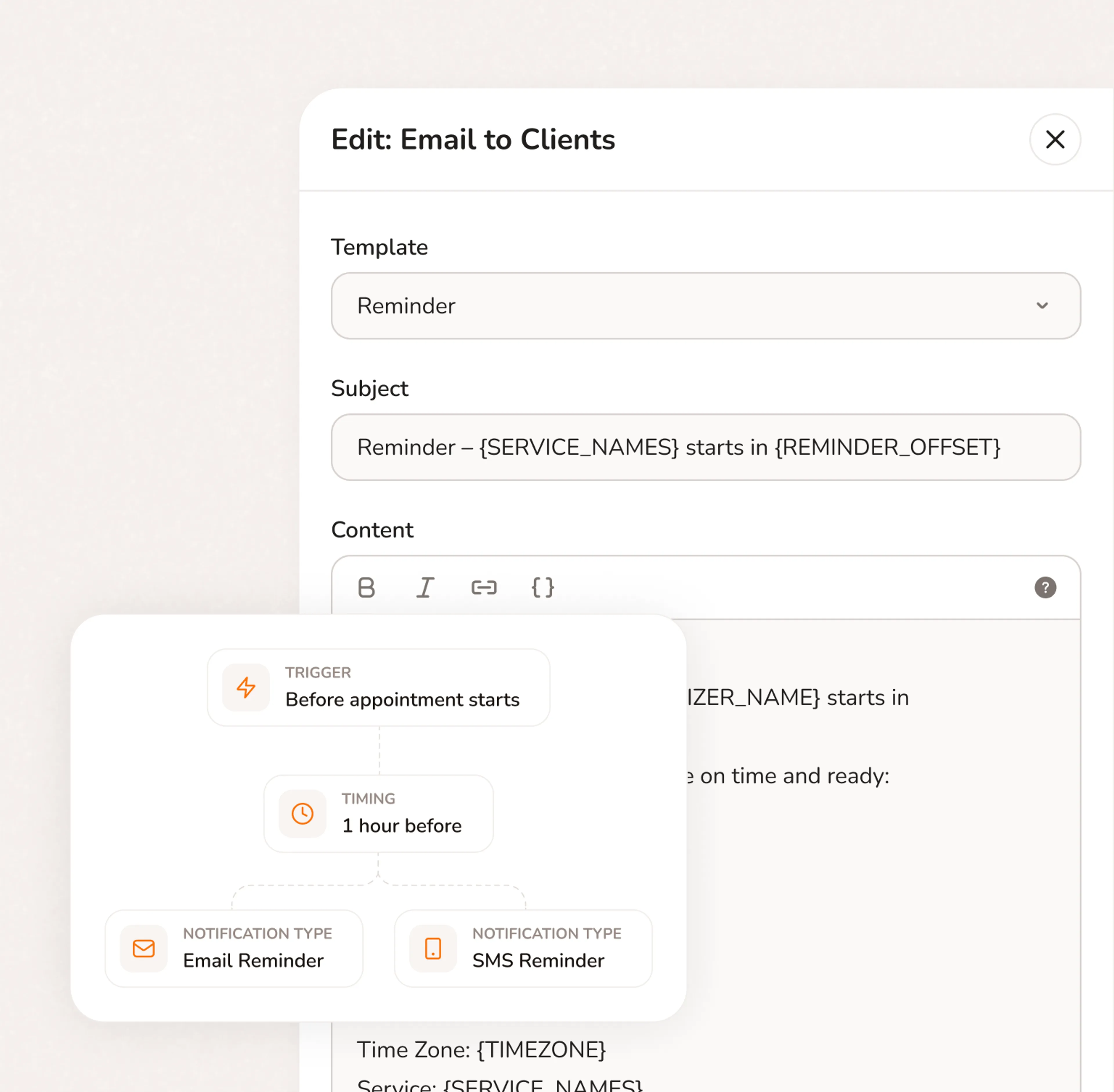
Our scheduling appointment software integrates effortlessly with the platforms you already use, streamlining your workflow and enhancing productivity.
Questions from Coaches
No. Your booking page runs in any browser on any phone. Customers click your link, pick a service, pick a time, and pay the deposit. No app, no login, no account required. Most bookings take under two minutes.
Yes. Calday syncs with Google Calendar, Outlook, and Apple Calendar. Your availability updates automatically and double-bookings become impossible.
Yes. The free plan gives you a booking page, one service type, calendar sync, and automated reminders. No credit card required and no expiry date. The Pro plan ($12/month) adds deposit collection, unlimited service types, intake questions, and payment processing through Stripe.
Calendly books a meeting. Calday books the meeting, collects your intake questions, takes a retainer, and keeps the client record — all in one step. For coaches who need more than a time on a calendar, Calday replaces Calendly, a separate intake form, a payment tool, and a notes folder with a single booking link.
Yes. Add custom intake questions directly to your booking form. Clients answer them when they book — before the session. Responses are saved to their client record and available every time they return. Use it for coaching intake forms, pre-session questionnaires, goal-setting questions, or background information — whatever you'd normally send in a separate email.
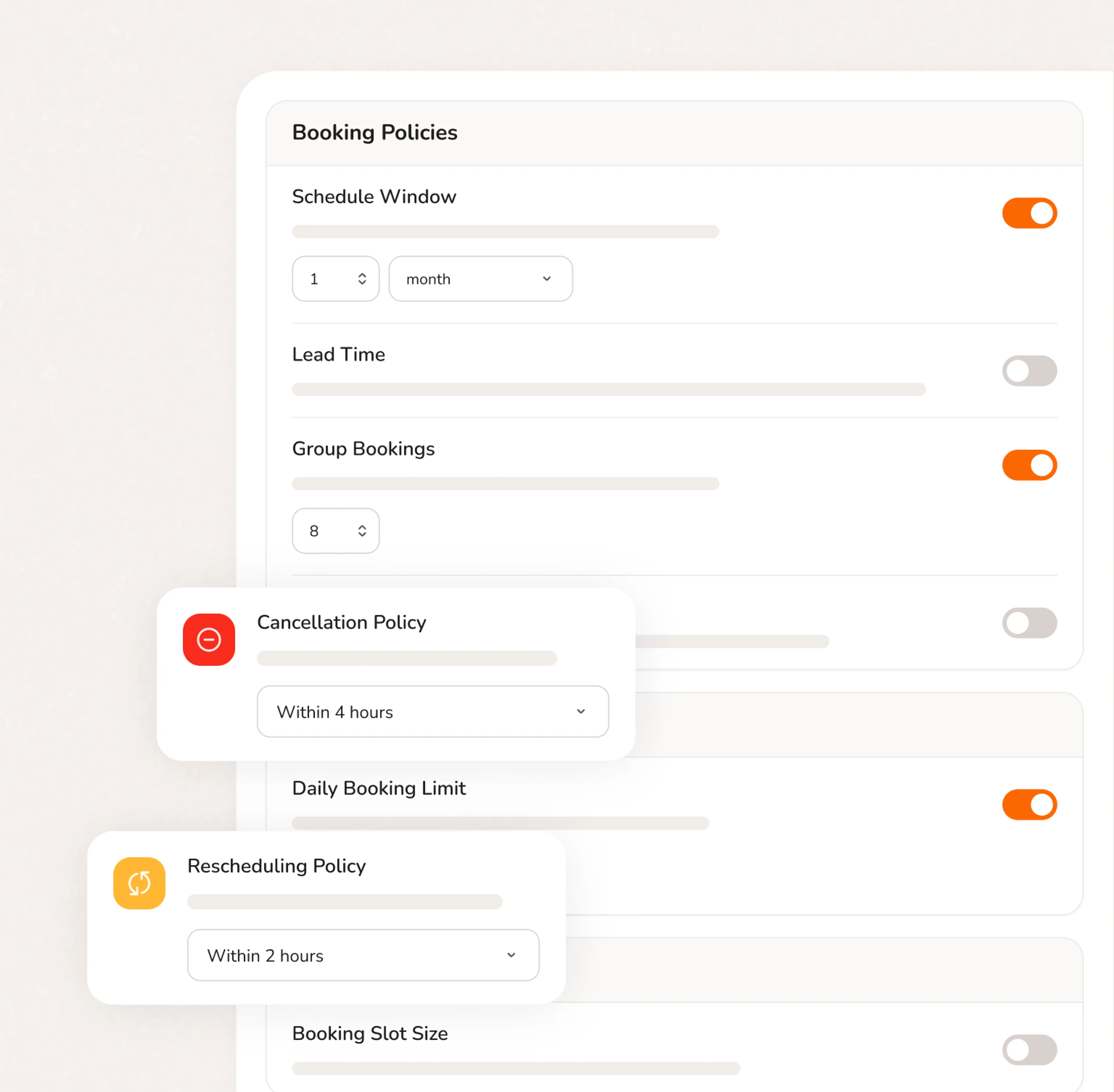
Yes. Add group coaching as a service type on your booking page. Set capacity, duration, and pricing. Clients book and pay online. Use it for cohort calls, masterminds, group accountability sessions, or any format where multiple clients join the same time slot.
Do you have more questions?
Our team is here to help