
Handyman Software That Books Jobs While You Work

What running a handyman business without software actually costs you?
Without Calday
- You drove 20 minutes to a job. No one home. No warning.
- Emergency call comes in at 4pm. Tomorrow's route is already full.
- Customer texts asking where you are. You're still at the last job.
- Three people called about the same Saturday morning slot. Two booked elsewhere while you were on a job.
- You spent Sunday night rebuilding next week's route because two jobs shifted.
With Calday
- Deposit collected at booking. Customers who paid show up.
- One emergency slot stays open every day. Customers book it instantly.
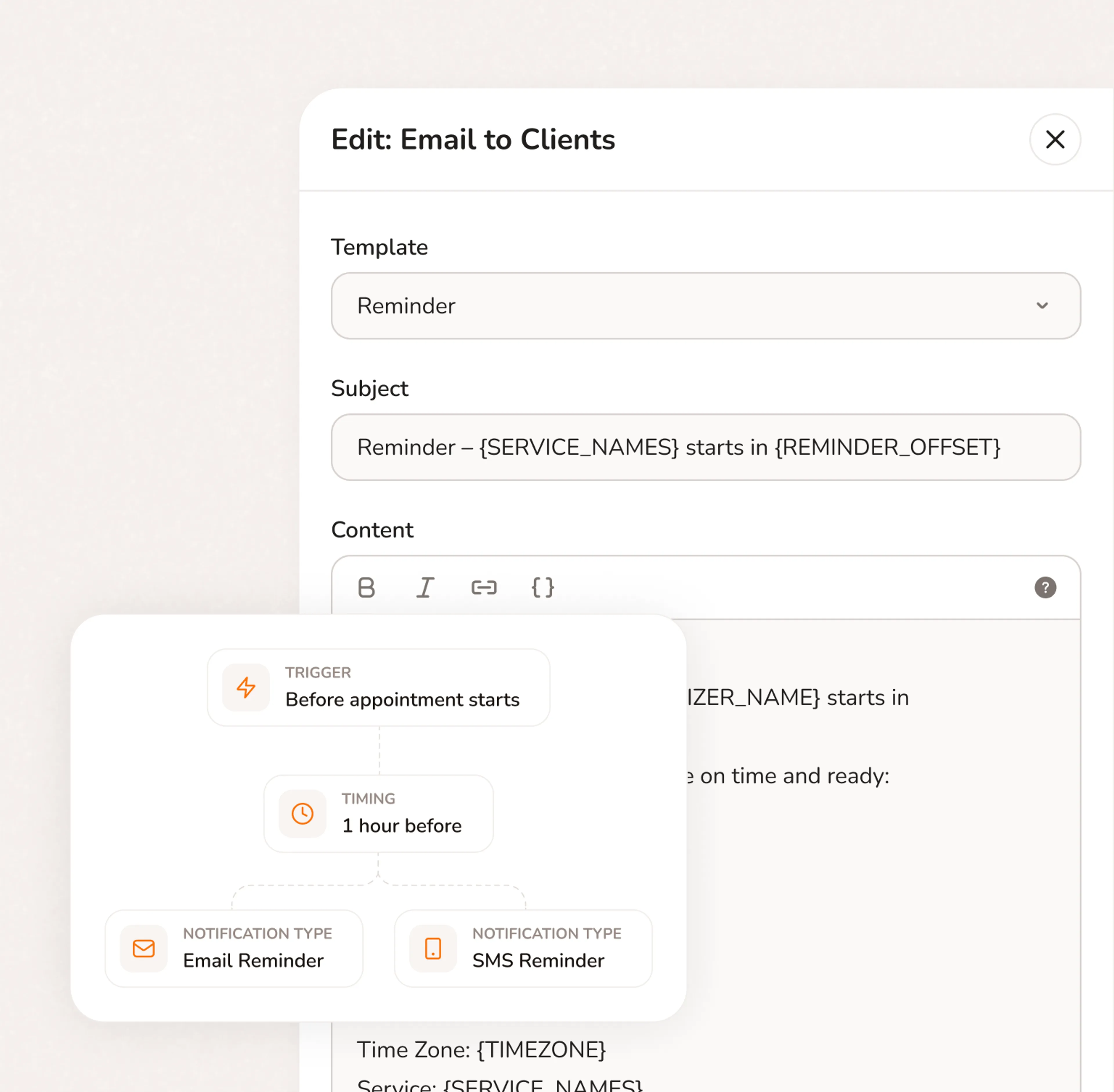
- Automated reminders go out 24 hours before. No follow-up calls needed.
- Your booking page handles new inquiries while you're working. No missed calls.
- Buffer time between jobs is set once. Calday builds it into every day automatically.
Calday works across every type of handyman job
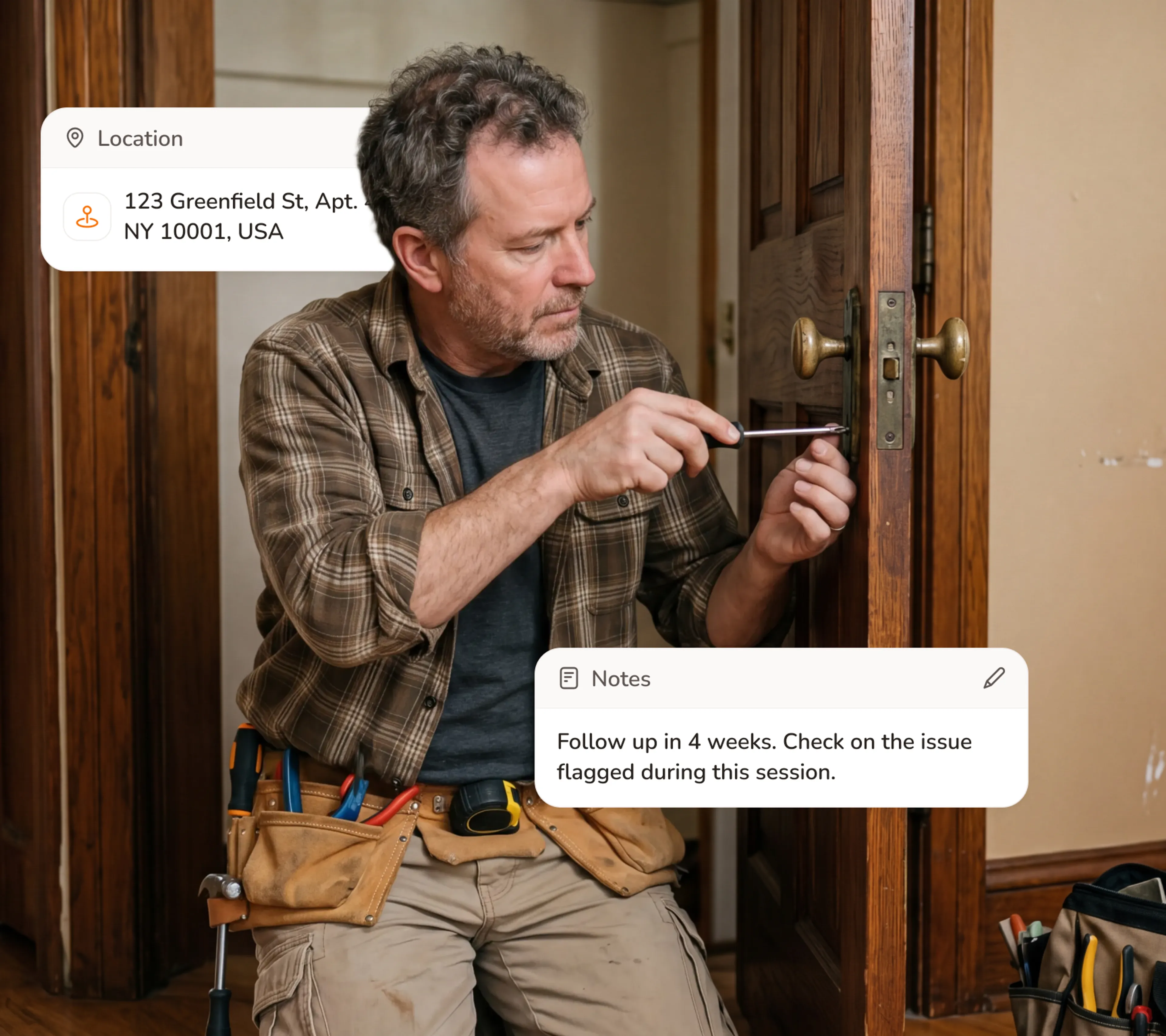
General Home Repairs
Most repair calls start vague and arrive bigger. By the time you show up, the scope has grown and half the parts you brought are wrong.
- Collect scope, address, and access details at booking
- Set a minimum duration per job type
- Require a deposit on multi-item jobs
- Send an automated reminder the morning of
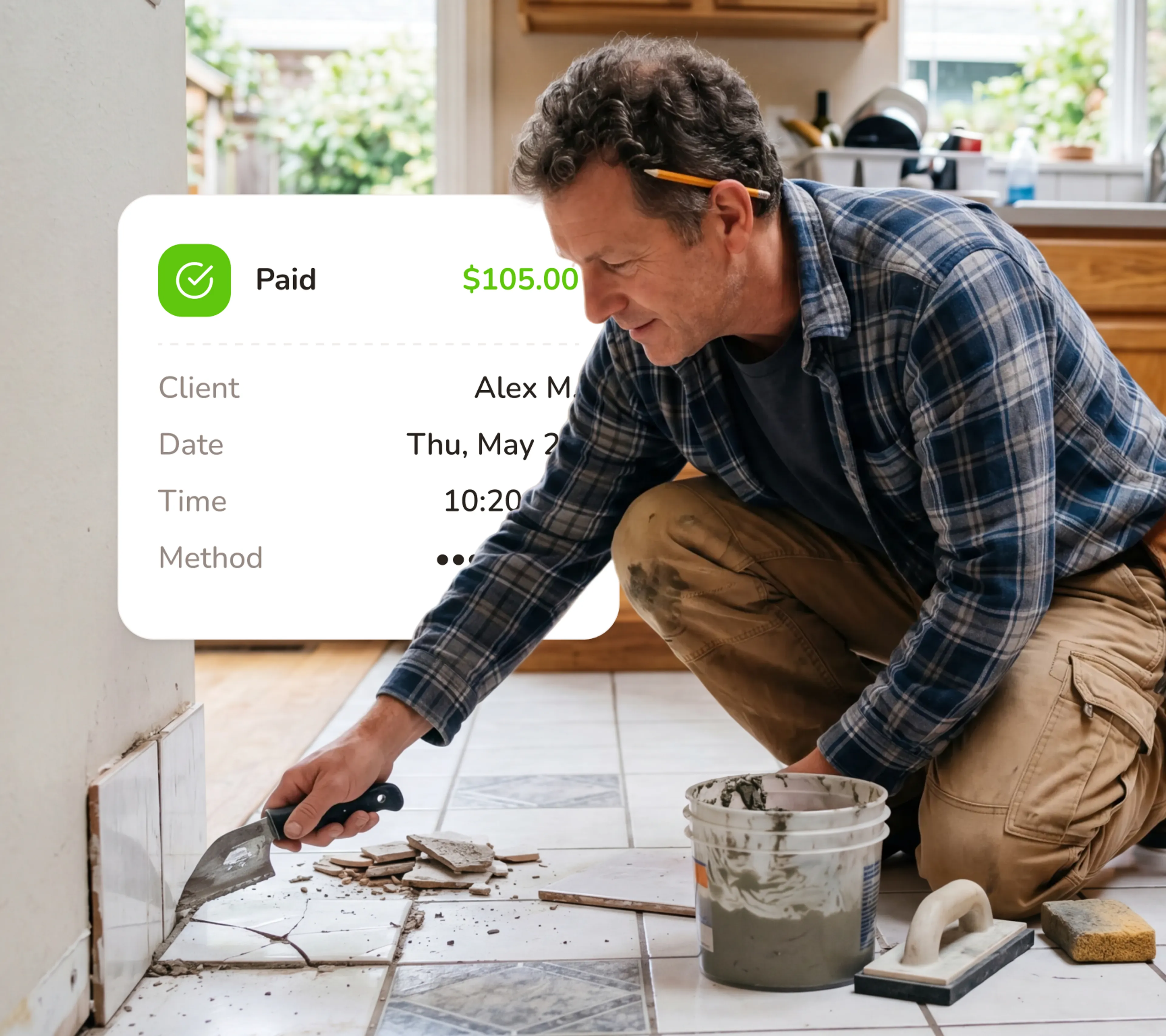
Bathroom & Kitchen Updates
One faucet replacement turns into "while you're here, can you look at the drain?" - and your next customer is already waiting.
- Set a minimum duration per service type
- Collect what's broken, what brand, and how to access it
- Require a deposit to hold the slot
- Add buffer time after each job automatically
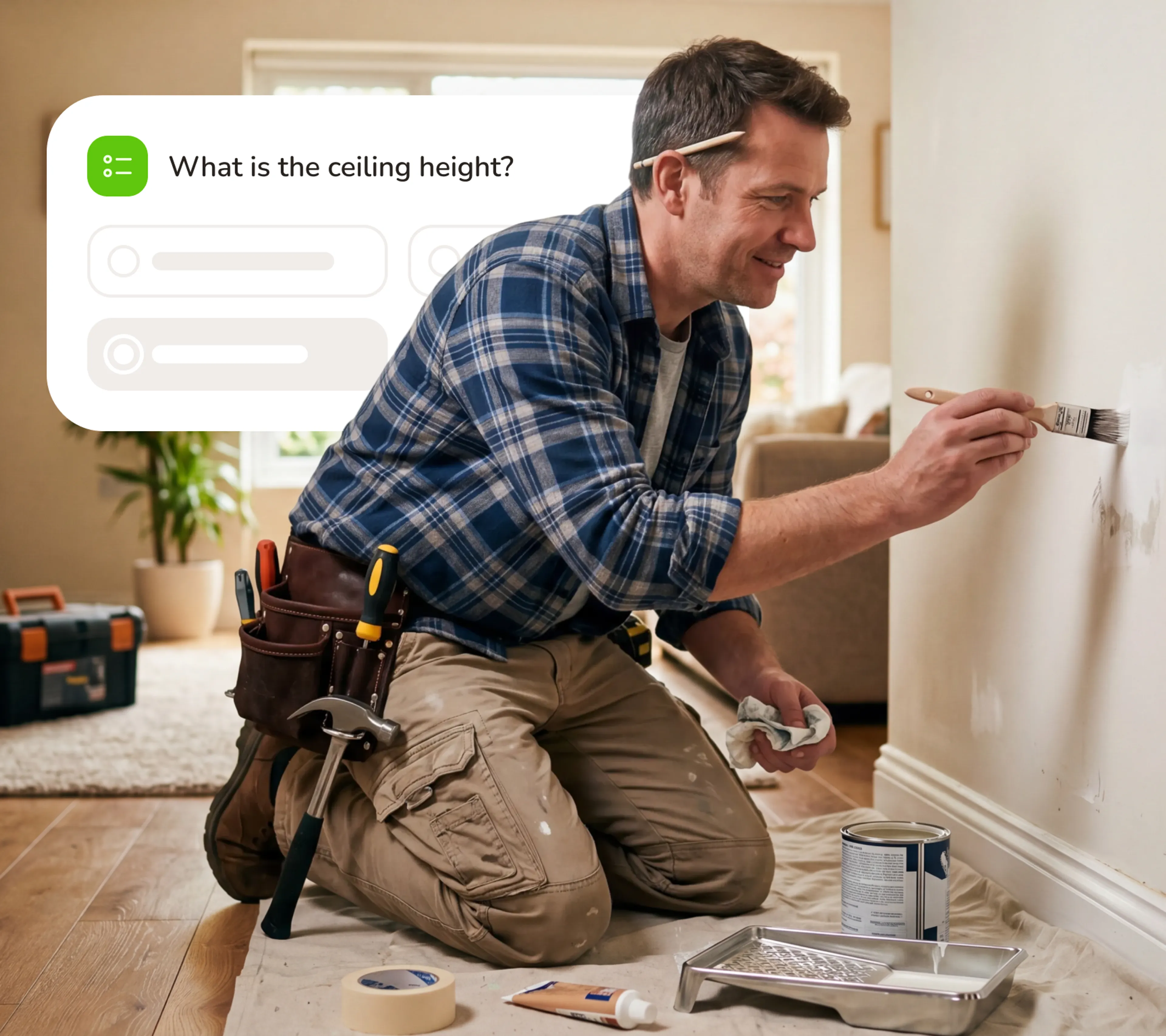
Painting & Finishing
Without scope upfront, your first hour on site is an estimate you never get paid for.
- Collect room size, prep status, and paint supply at booking
- Set a minimum lead time on painting jobs
- Require a deposit before confirming the date
- Send a pre-job checklist reminder automatically
Free Handyman Software - Booking, Reminders, and Calendar Sync, Forever.
- No credit card required
- Free forever plan
- Free 7-day trial
Everything your service business needs to run
Stop switching between your calendar, texts, payment apps, and client notes. Calday is the small business management software that handles all of it.
Booking Page
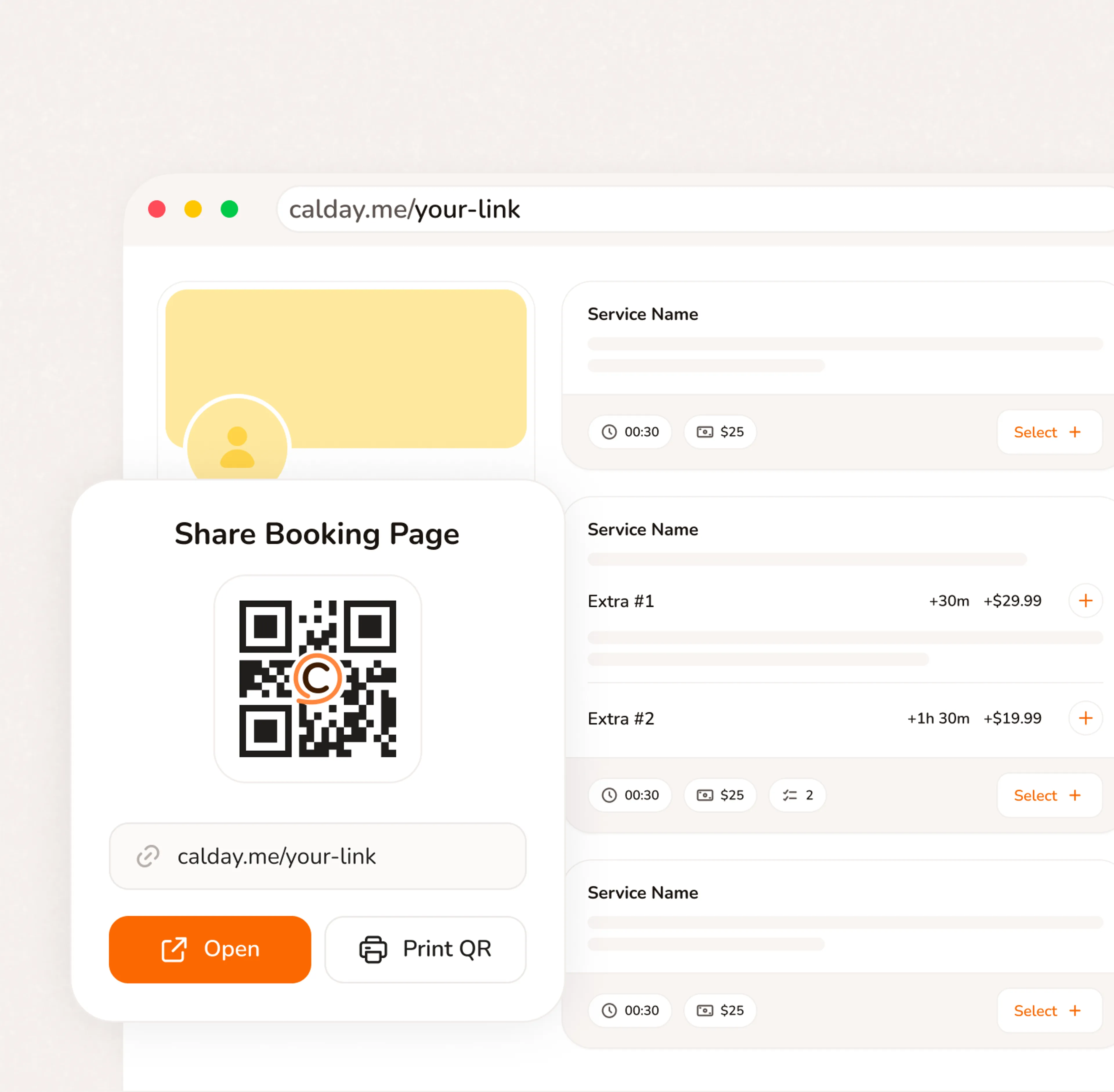
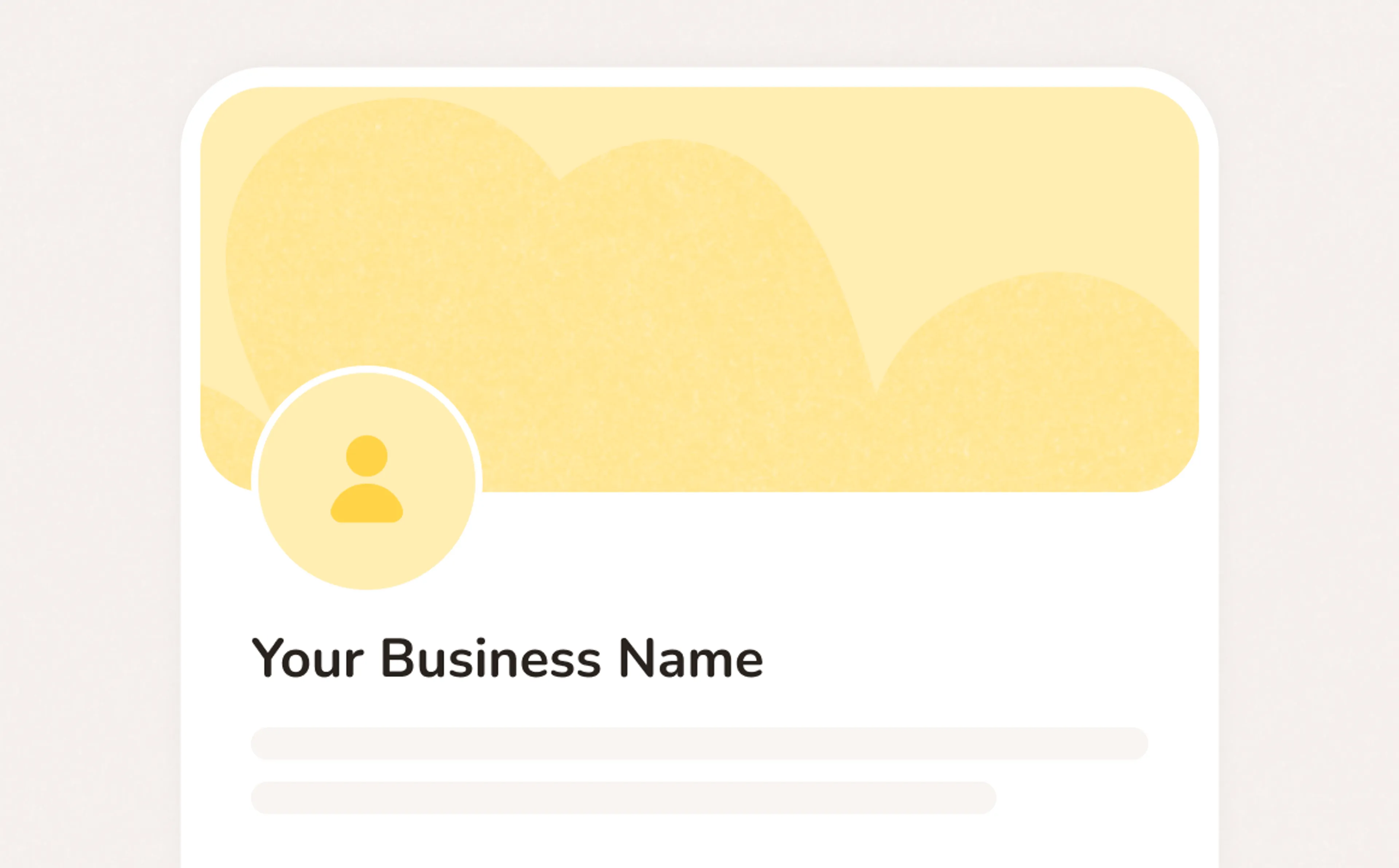
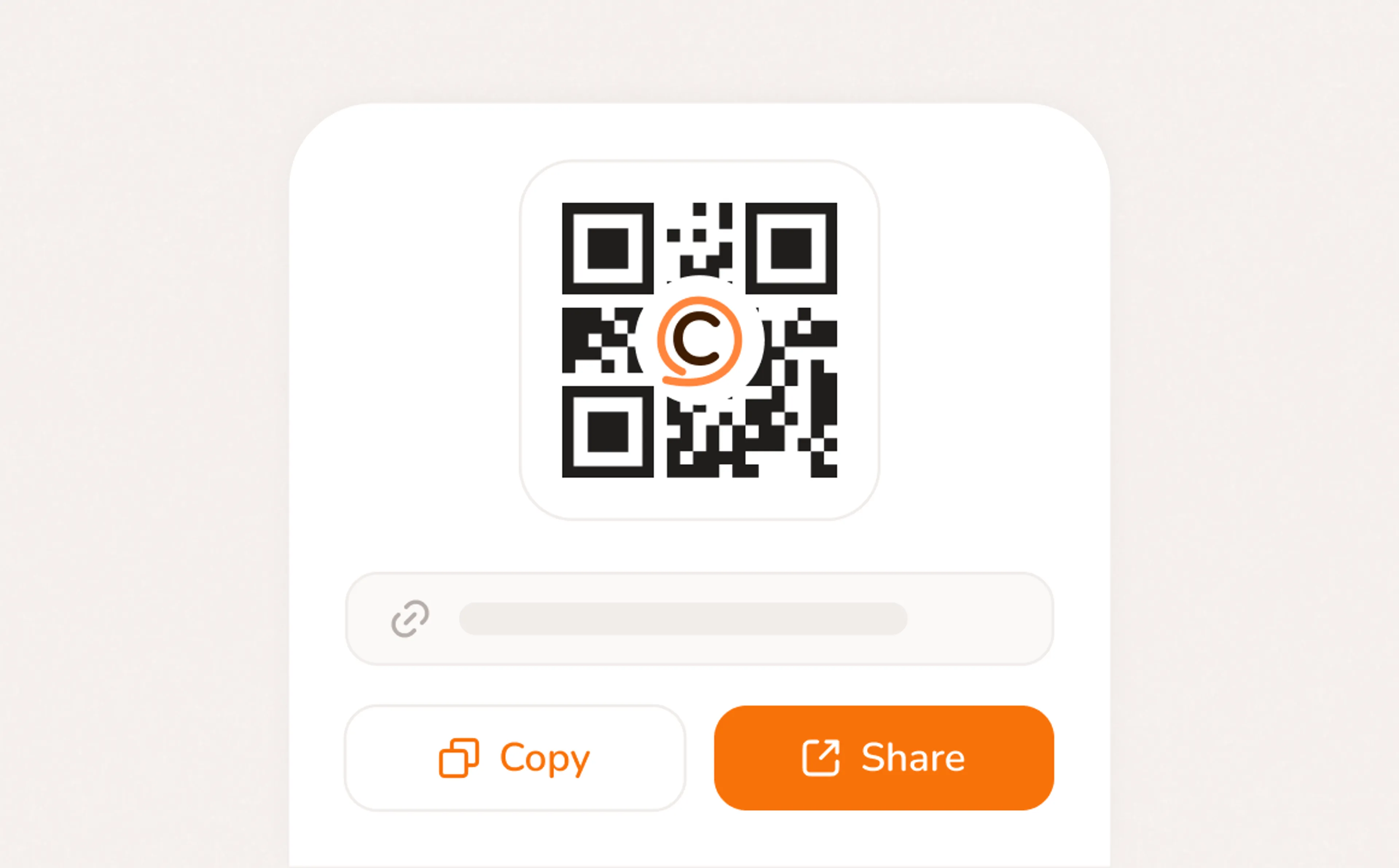
A booking page with your services, your pricing, your brand. Share a link, post a QR code, or embed on your website. Clients pick a time, confirm, and you're booked. No phone call needed.
- Your link, your brand, your services
- Accept bookings 24/7 from any device
- QR code for walk-ins, link for everywhere else
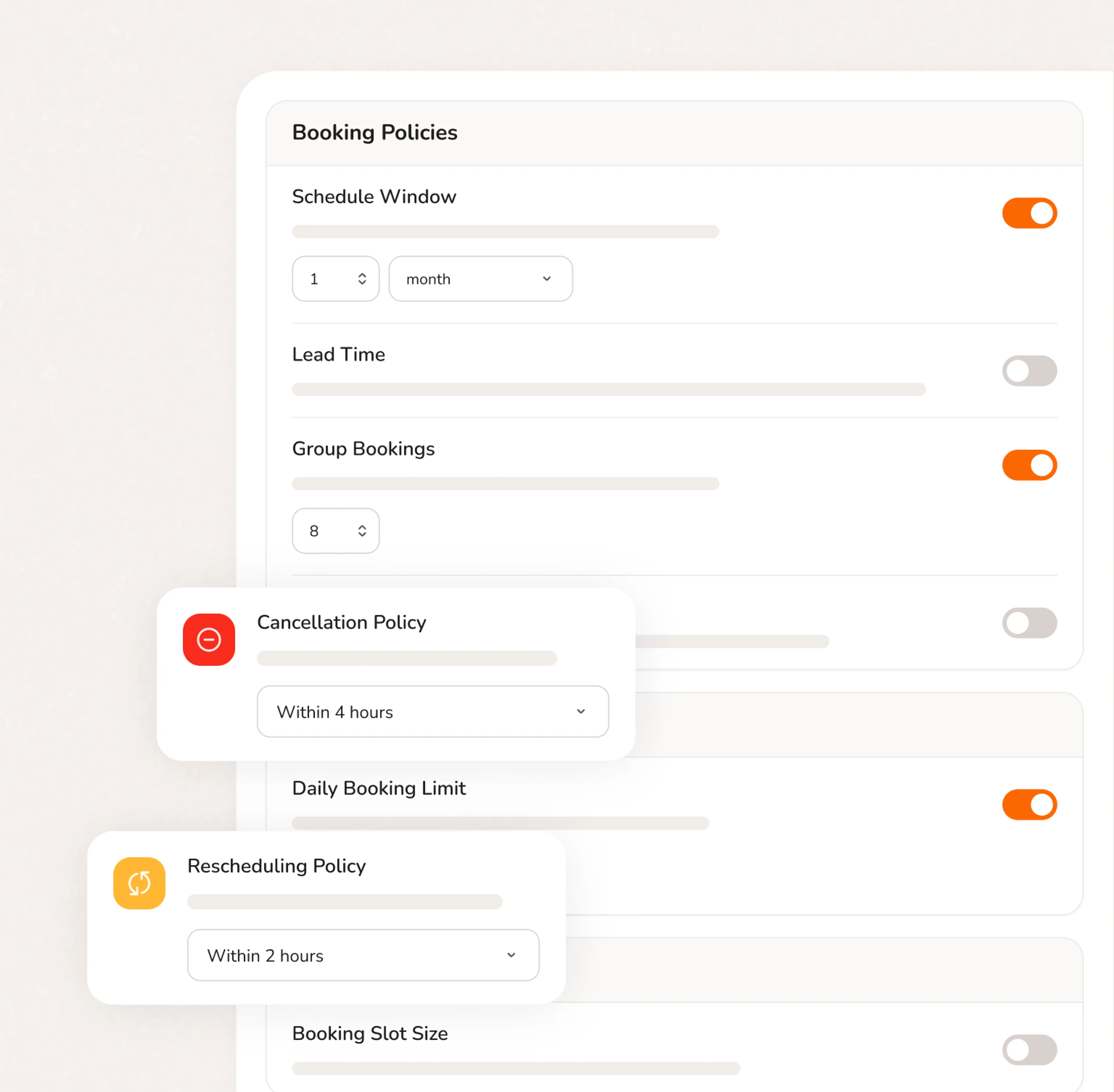
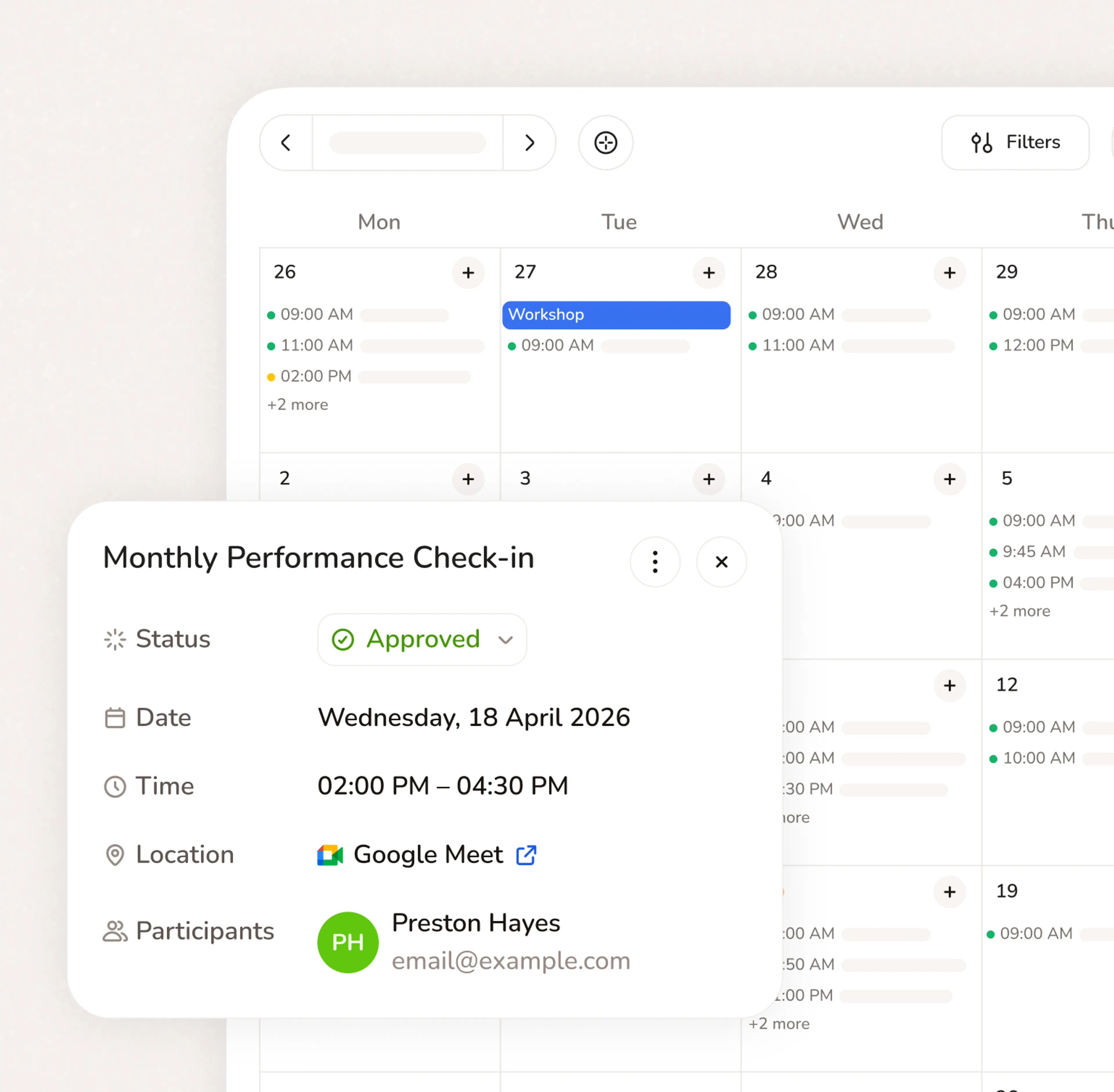
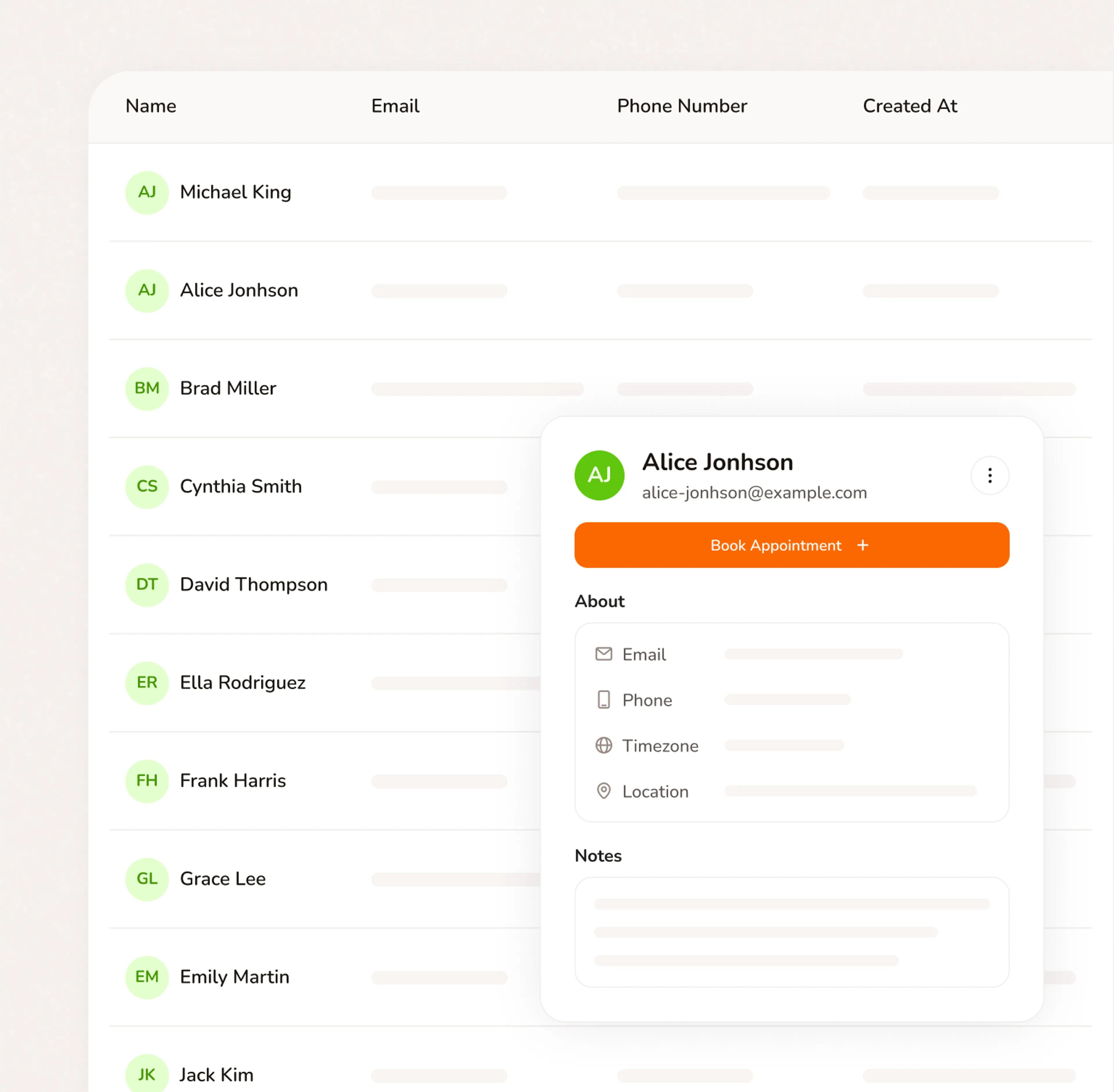
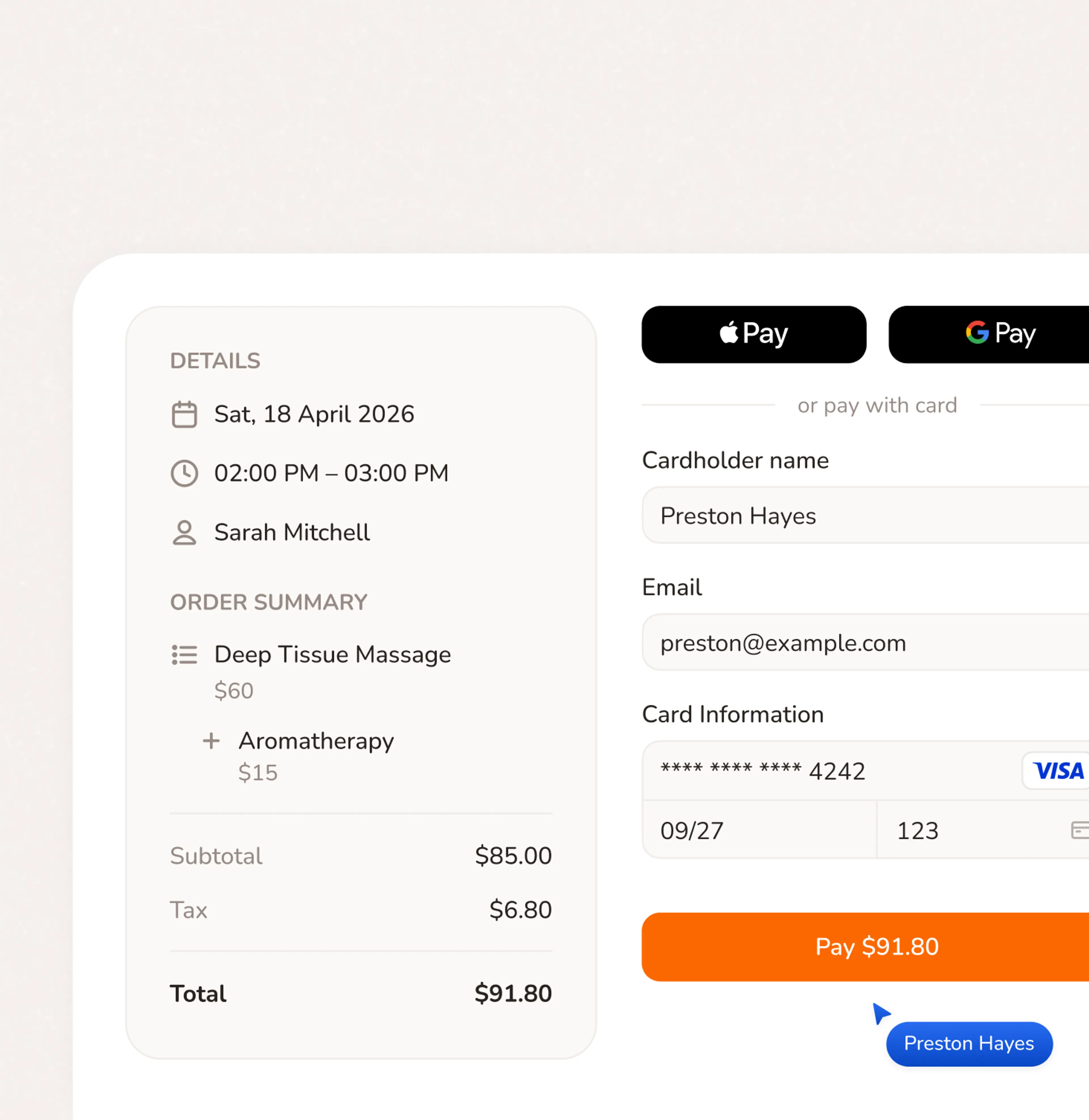
Three steps. Your booking page is live in 5 minutes.
Questions from handymen
No. Your booking page runs in any browser on any phone. Customers click your link, pick a service, pick a time, and pay the deposit. No app, no login, no account required. Most bookings take under two minutes.
Yes. Google Calendar, Outlook, and iCloud all connect. Calday reads your existing events and blocks those times automatically - so customers never see a slot you're already committed to. No manual management. No double-booking.
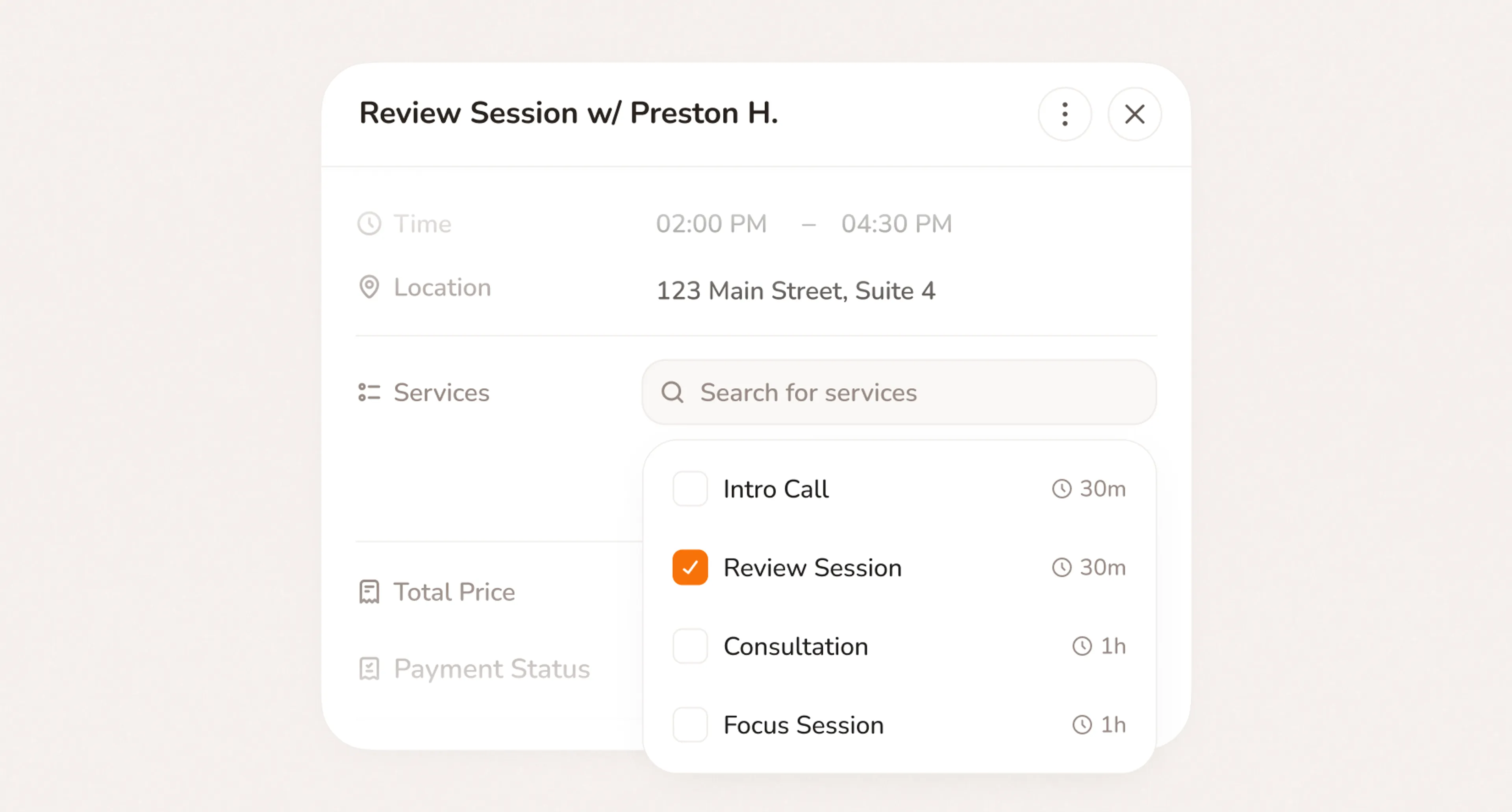
Yes. The free plan gives you a booking page, one service, calendar sync, and automated reminders. No credit card required and no expiry date. The Pro plan ($12/month) adds deposit collection, unlimited services, intake questions, and payment processing through Stripe.
Yes. Set your coverage area and Calday hides your availability from addresses outside it. Customers too far out won't see open slots - they'll see a message directing them elsewhere. No wasted estimates.
Yes. Set a buffer of 15, 30, or 45 minutes after each job type. Calday builds it into your schedule automatically. Customers can't book inside that window, so you have time to drive between sites without running late on the next job.
Yes. You can set one or more slots per day as emergency openings with a short lead time — as little as one hour. Homeowners with an urgent problem see those slots and book instantly. You can open or close them any time from your phone.
You cancel through Calday and the customer gets an automatic notification with the option to reschedule. The deposit handling follows the cancellation policy you set - you can refund it, apply it to a rescheduled booking, or keep it. Your policy shows to every customer at booking before they confirm.
Do you have more questions?
Our team is here to help